
}
Among EGLOBAL M3-7267U series mini PCs, the EGLOBAL M3-7267U M3-4415U model can run Lubuntu smoothly. However, when installing Lubuntu 20.10 on the EGLOBAL M3-7267U, the installation progress frequently freezes at 93% and cannot finish. Based on actual installation interfaces and procedures, the issue can be quickly identified and resolved.
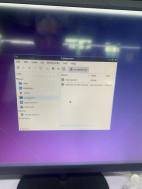
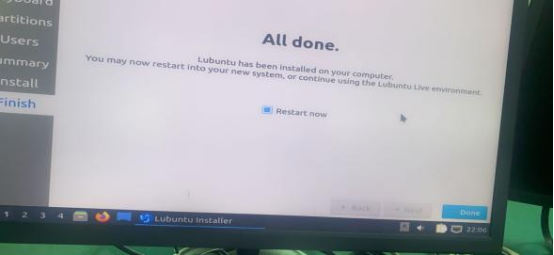
Judging from the installation interface, the stall at 93% is not caused by EGLOBAL M3-7267U hardware failure, but by an improper installation environment. Combined with the system boot screen (showing the Lubuntu logo) and the completion screen (displaying “All done”)on the EGLOBAL M3-7267U, the root cause is that the target drive is not clean.
Ensure the hard drive is clean before installation on your EGLOBAL M3-7267U mini PC. If residual data, old system partitions or partition tables remain on the disk, the installer cannot erase them properly, resulting in the 93% freeze. The correct procedure is: prepare a Lubuntu 20.10 bootable USB drive, boot the device from the USB drive, then completely clean the hard drive by deleting all existing partitions and data
Restart the installer and select Erase disk and install Lubuntu, allowing the system to partition automatically without manual intervention. After cleaning the drive and reinstalling, the progress will complete smoothly. Once “All done” appears on the screen, reboot the device to enter Lubuntu normally.
Contact: EGSMTPC
Phone: +86 13418881073
Tel: +86 13418881073
E-mail: coral@eglobaltech.cn
Add: 16D, QUANZHI Science & Technology Building, Maozhoushan Industrial Park, Hou Ting Community, Sha Jing Street, Bao'an District, Shenzhen, 518104 China